



Welcome to our blog! This is a sample introduction paragraph designed to test your website’s typography, spacing, and content layout. Learn more about modern web design and how it can improve your website experience.
Good content uses bold text, italic text, underlined text, deleted text, and highlighted text to create visual hierarchy.
H2: Understanding the Basics
A well-structured article makes information easier to read. Use headings to organize sections and paragraphs to explain each topic in detail.
H3: Key Features and Benefits
Modern websites need responsive layouts, accessible navigation, optimized images, and consistent typography across all devices.
H4: Responsive Design
Responsive design allows content to adapt to desktops, tablets, and mobile devices without compromising readability.
H5: Mobile Optimization
Mobile optimization improves usability by ensuring that text, images, buttons, and other elements fit smaller screens.
H6: Additional Considerations
Pay attention to line height, spacing, contrast, and image alignment when testing your blog post styles.
Unordered List (UL)
Here are some essential elements of a successful website:
- Clean and modern design
- Fast loading speed
- Responsive page layouts
- Search engine optimization
- User-friendly navigation
- Clear menu labels
- Accessible dropdown menus
- Consistent navigation structure
Ordered List (OL)
Follow these steps to create a blog post:
- Choose a relevant topic.
- Write an engaging introduction.
- Organize the content using headings.
- Add images and useful links.
- Proofread and publish the article.
Blockquote
Great design is not just about how something looks. It is also about how effectively it communicates, guides users, and solves problems.
— Sample Design Principle
Image with Caption

Full-Width Image
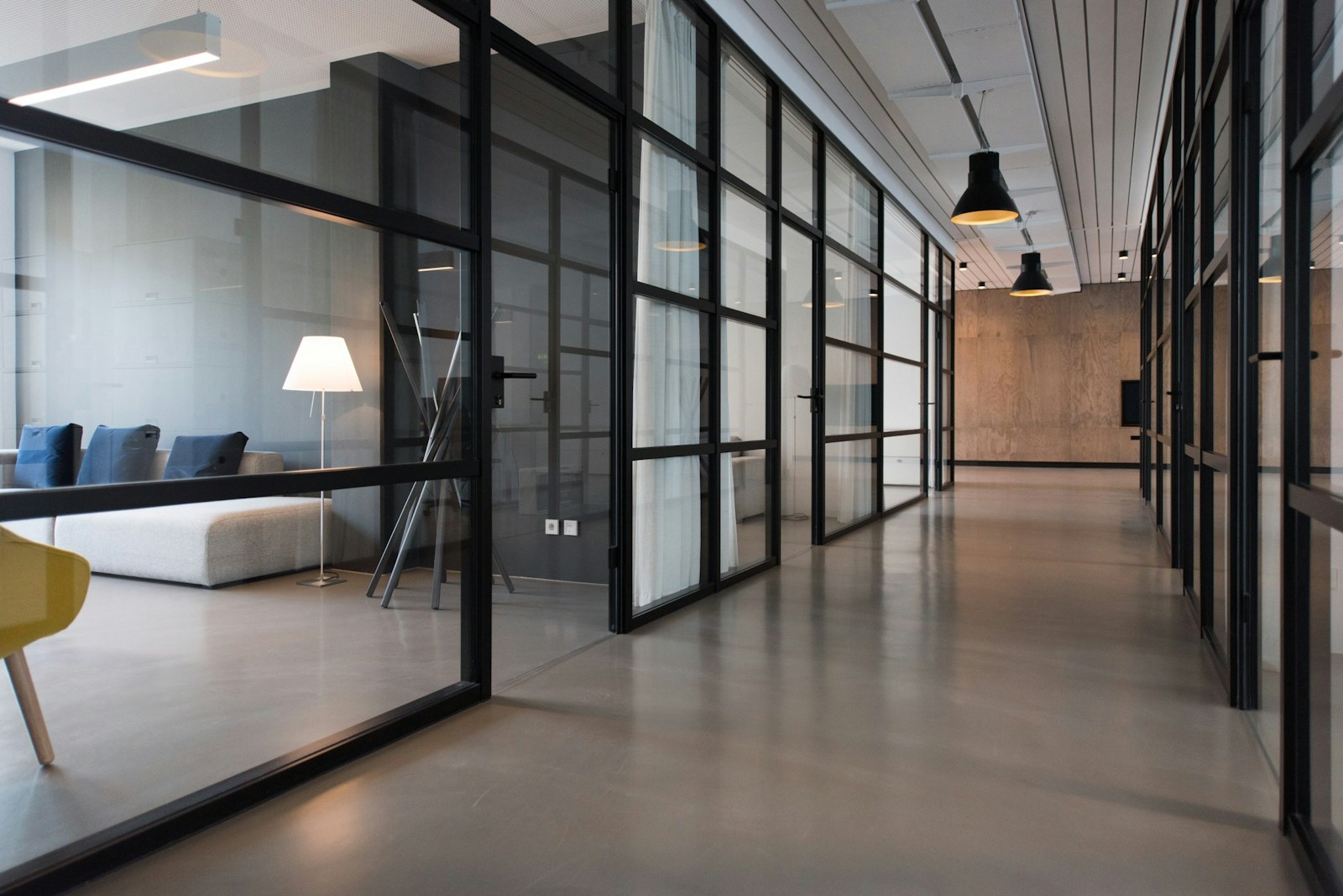
Images can break up long sections of text and provide visual context for readers. Test how your theme handles image scaling and alignment.
Text Formatting and Inline Elements
Here is some important information, some bold text, some italic text, and some smaller text. You can also test subscript and superscript formatting.
Example of inline code: the_content();
Visit this sample external link to test your anchor styles.
Additional Content Elements
This paragraph appears after a horizontal rule. Use it to check
vertical spacing and divider styles within the article.
Sample Table
| Feature | Description | Status |
|---|---|---|
| Typography | Headings and paragraphs | Complete |
| Images | Responsive image display | Complete |
| Lists | Ordered and unordered lists | In Progress |
Conclusion
This is the concluding paragraph of the sample blog post. Use this content to evaluate your WordPress theme’s typography, spacing, responsive behavior, and styling for common HTML elements.
Read more articles to explore additional topics and resources.